Design a PCB online, free: from idea to fab files in a browser tab
A circuit board used to mean installing a desktop EDA suite and learning it first. Today the whole chain runs in a browser: schematic, placement, routing, the design-rule check and the files a fab needs. Here is what an online PCB tool should do, a step-by-step path through it, and the cases where a desktop tool is still the better choice.
Last reviewed
Short answer
You can design a complete PCB online for free: draw or generate the schematic, place and route the board, check it against your fab’s rules, and download Gerbers, all in a browser with nothing to install. PCBEditor does every step, with no export paywall. The editor opens without an account; AI generation and saving designs need a free one.
What online PCB design should include
Plenty of online tools only view Gerbers, or only draw schematics. To design a board online you need the whole chain: a schematic editor, footprints for real parts, placement, routing, a design-rule check, a 3D view and an export a fab will accept. If any link is missing, you are back to installing a desktop tool for the rest.
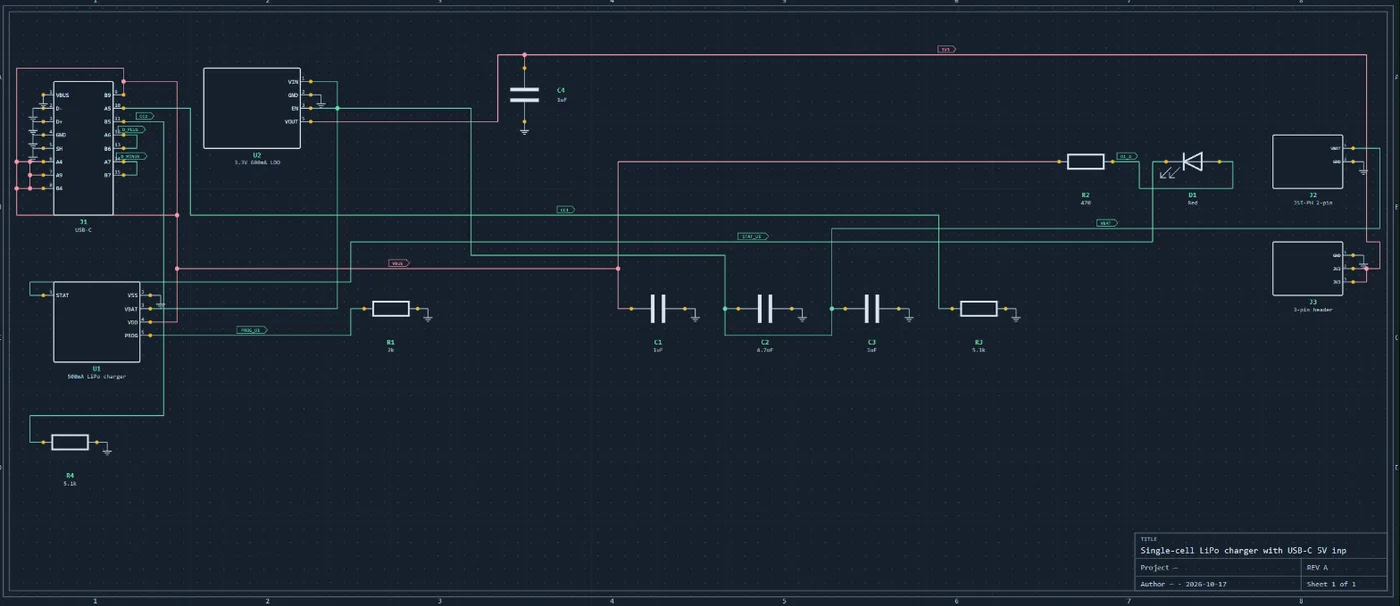
The schematic and the board have to stay connected. A change to the schematic should reach the board, and the board should never contain a connection the schematic does not. That is what turns a drawing into a design.
Design your first board online, step by step
- Start from a description or a blank schematic. Type what the board should do, for example “an ESP32 board with a temperature sensor and USB-C power”, and get a first schematic; or draw the schematic yourself, part by part.
- Check the parts and the connections. This is the step that decides whether the board works. Read every part choice and every power, ground and enable connection against the datasheet before anything becomes copper.
- Set the board: size, layers, rules. Pick the outline, the number of copper layers and your fab's minimum trace, spacing and drill sizes, so routing works to limits the fab can build.
- Place and route. Let the autorouter route it and fix what you want by hand: move parts, draw or cut traces, add vias. Any net that cannot be routed is listed by name.
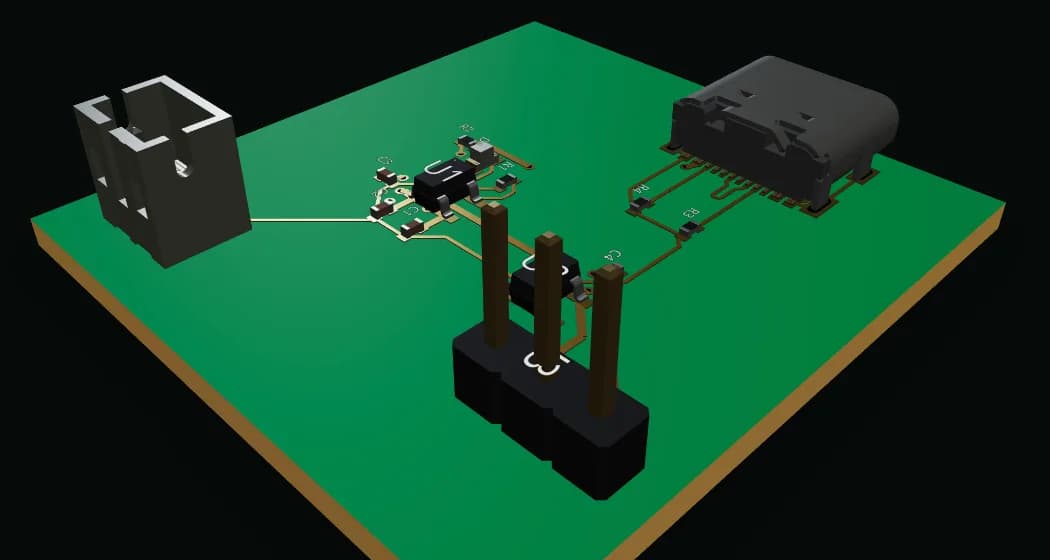
- Check it: design rules and 3D. Run the design-rule check against your fab's rules, then look at the assembled board in 3D for connectors facing the wrong way or parts that collide.
- Export and order. Download Gerbers, drill files, a pick-and-place file and a BOM (or IPC-2581, ODB++ or a KiCad project), open the zip in a Gerber viewer, and upload it to any fab.
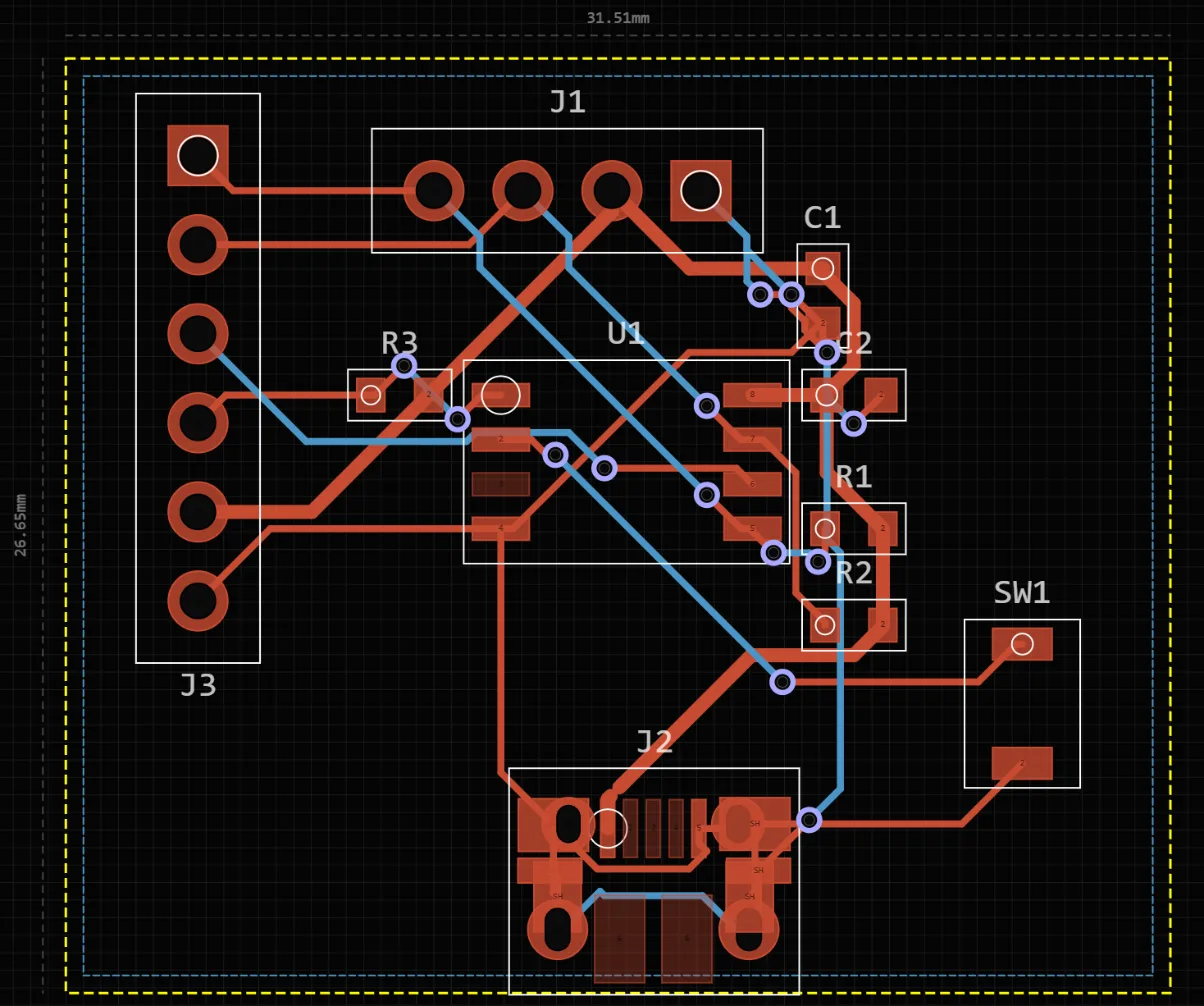
Step 2 is the one that decides whether the board works
What “free” should mean
Before you invest an evening in a free online PCB tool, check five things:
- The export is free. Some tools let you design for free and charge to download Gerbers.
- Your projects can be private. Some free tiers make every design public.
- No board-size or layer cap you will hit. A two-layer, 10 × 10 cm limit is fine for a first board and a wall for the second.
- Real parts. Footprints should come from a maintained library, not be redrawn for each project.
- The files are yours. Standard formats out, so you can leave.
PCBEditor exports Gerber, drill, pick-and-place and BOM files without a paywall, uses the KiCad footprint and symbol libraries. A free account unlocks AI generation and keeps your designs.
Keep your files portable
An online tool should never be a trap. From PCBEditor you can download a Gerber zip, a JLCPCB-formatted package (Gerbers, BOM and component placement), a KiCad 9 project (.kicad_pcb and .kicad_pro), the schematic as a KiCad .kicad_sch file, and a BOM. The board’s fab bundle adds IPC-2581, ODB++, an IPC-D-356 test netlist, assembly and fabrication drawings as PDF, and a STEP model for the enclosure. KiCad schematics and boards and Gerber archives import too, so a design can move between the browser and KiCad in both directions.
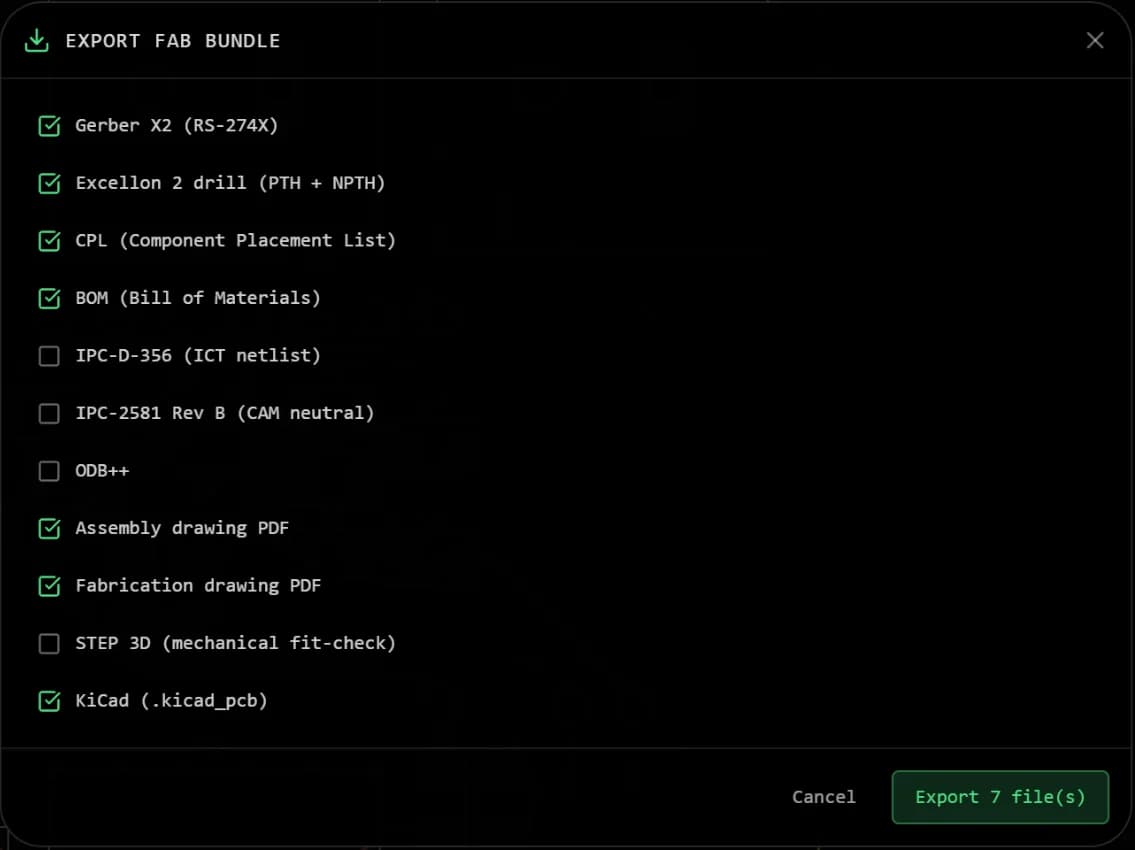
Before you order, open the zip in a Gerber viewer and check the layers, the outline and the drill holes: the Gerber checklist takes a few minutes.
When a desktop tool is the better choice
KiCad and Altium are more capable editors, and for complex production boards (dense BGAs, controlled-impedance high-speed links, RF) with an experienced operator they remain the right tools. Online design wins when you want a working board today, are on a Chromebook, a school machine or a tablet, or are moving a breadboard or Arduino prototype onto its first PCB. Because the files are standard, starting online and finishing in KiCad is a normal path, not a dead end.
Common questions
- Can I design a PCB online for free?
- Yes. Browser-based tools can take a board from schematic to Gerber files without installing anything. PCBEditor covers schematic, placement, autorouting, design-rule checking, 3D view and export, free, with no paywall on the fabrication files.
- Do I need to install anything to design a PCB online?
- No. An online PCB tool runs in a browser tab on Windows, macOS, Linux and ChromeOS, and on tablets. PCBEditor's editor opens without an account; a free account is needed for AI generation and to keep your designs across devices.
- Can I order the board straight from an online PCB design tool?
- You export the fabrication files (Gerber, drill, pick-and-place and BOM) and upload them to the fab of your choice. PCBEditor also has a JLCPCB-formatted package with the Gerbers, BOM and component placement file.
- Is an online circuit board maker good enough for real boards?
- For prototypes, learning and small-to-moderate boards, yes, as long as the files pass a design-rule check with your fab's rules and you review the schematic. For complex production hardware with high-speed or RF sections, a desktop EDA suite with signal-integrity tools is still the safer choice.
- Are my designs private when I design a PCB online?
- Designs are processed on the tool's servers. PCBEditor sends prompts and design intent to a hosted model provider as part of generation; the privacy policy has the details. Ask the same question of any online tool before uploading confidential work.
Open the editor and start a board
Describe the board or start from a blank schematic. Nothing to install; a free account unlocks AI generation and keeps your designs.
Design a PCB online→