Free online Gerber viewer
Drag a Gerber ZIP. See copper, silkscreen, drills, and net traces in your browser. No sign-up, no install.
How to view Gerber files online
- Zip the Gerber and drill files, or use the zip your CAD tool or fab already made.
- Drag the zip onto the viewer above, or click it to choose files. Single layer files work too.
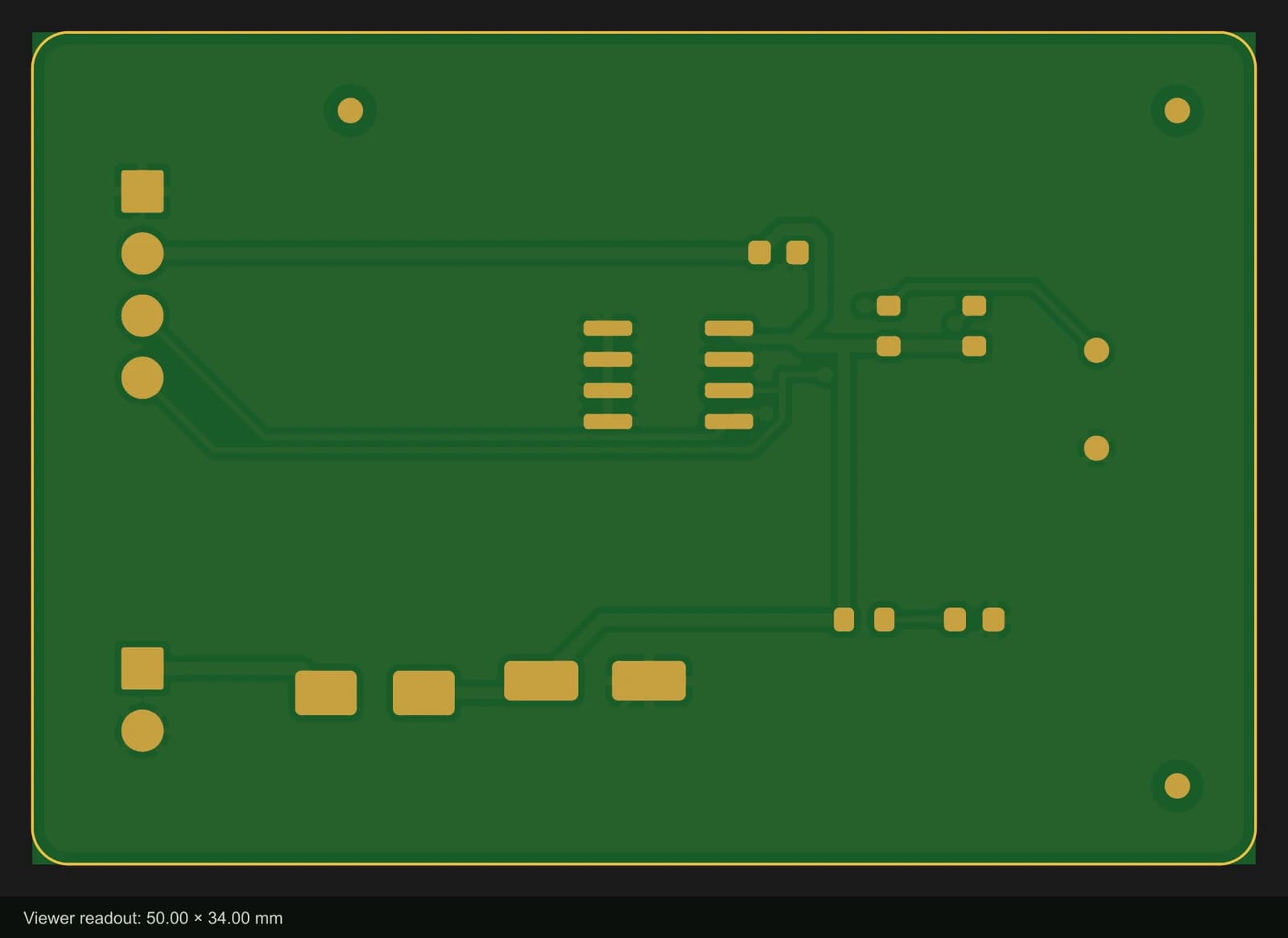
- Turn layers on and off to look at each one alone: copper, mask, silkscreen, paste, outline, drills.
- Read the board size, check that every hole sits in its pad, and click copper with the net tracer on to follow a connection.
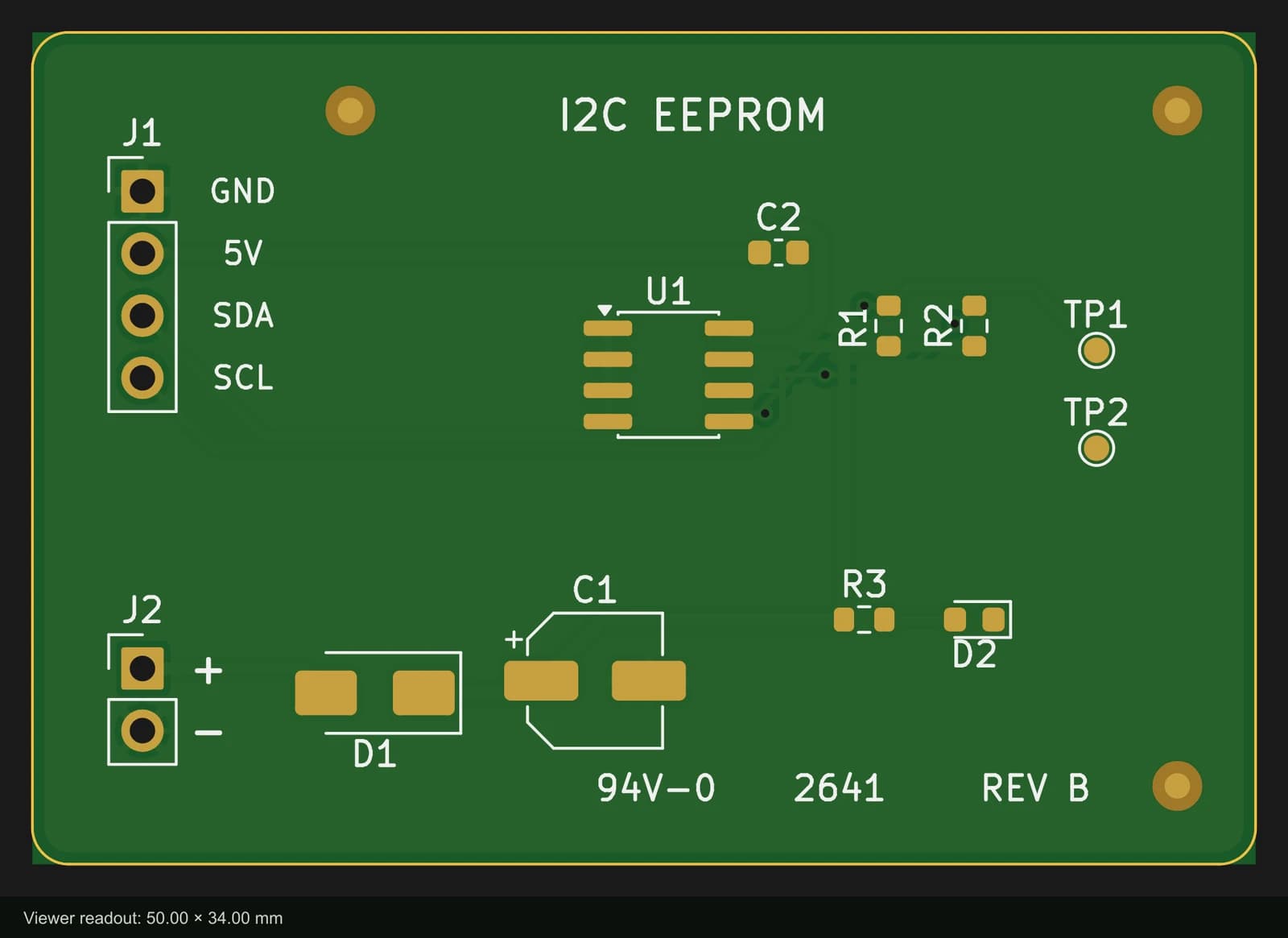
Files are parsed and drawn locally in your browser, in solder-mask green with gold copper so it looks close to the board you will get back. Nothing is uploaded and nothing is stored. To do more than look (design a board, edit it, run a design-rule check, export a new set), open the online PCB editor.
What is in a Gerber zip
A Gerber file is one layer of the board drawn as flat shapes. A two-layer board usually ships as nine to eleven files: copper, solder mask, silkscreen and paste for each side, the outline, and the drill files. The common Protel-style extensions, which the viewer reads:
| Layer | File |
|---|---|
| Top / bottom copper | .gtl / .gbl (KiCad: F_Cu.gbr / B_Cu.gbr) |
| Inner copper and planes | .g1, .g2… and .gp1, .gp2… (Altium) |
| Top / bottom solder mask | .gts / .gbs |
| Top / bottom silkscreen | .gto / .gbo |
| Top / bottom paste (stencil) | .gtp / .gbp |
| Board outline | .gko or .gm1 (KiCad: Edge_Cuts.gbr) |
| Drill files | .drl, .xln, .exc, .ncd, Altium's .txt |
Gerber (RS-274X, and its X2 version that names each layer inside the file) is still what almost every fab takes. ODB++ and IPC-2581 carry the whole board in one structured file instead. This viewer reads Gerber and Excellon only; boards designed in PCBEditor export all three.
Checking a zip for JLCPCB or PCBWay, or one from Altium
JLCPCB and PCBWay both take one zip with every Gerber layer and the drill files, and both draw a preview once you upload it. Their preview shows what their software read. Open the same zip here first and you can look at each layer on its own, check that every hole sits in its pad, read the board size, and follow a net from pad to pad before anything is priced.
Altium writes Gerbers and NC drill files as separate outputs. Its drill files end in .txt, its inner signal layers in .g1, .g2… and its internal planes in .gp1, .gp2…, and the board outline sits on whichever mechanical or keep-out layer your output job uses. Drop the whole output folder in as a zip; the viewer identifies each file by what is in it, including the X2 attributes Altium and KiCad can write, before falling back to the name.
For what to look at once the files are open, layer by layer, read how to check Gerber files before you order.