An online PCB editor: what you can edit, and how it compares with desktop EDA
PCBEditor is a full board editor in the browser: the schematic, the layout, the routing, the footprints, the checks and the files a fab needs. Nothing to install, no licence server and no seat to buy before you can open a design. Here is what you can edit in it, and when a desktop editor is still the better tool.
Last reviewed
Short answer
An online PCB editor (or PCB editor online, as most people search for it) lets you edit the schematic and the board, route traces, check design rules, view the board in 3D and export Gerbers from a browser tab. PCBEditor does all of that, adds a footprint builder for parts that are not in the library, opens and exports native KiCad files, and is free to use.
What you can edit
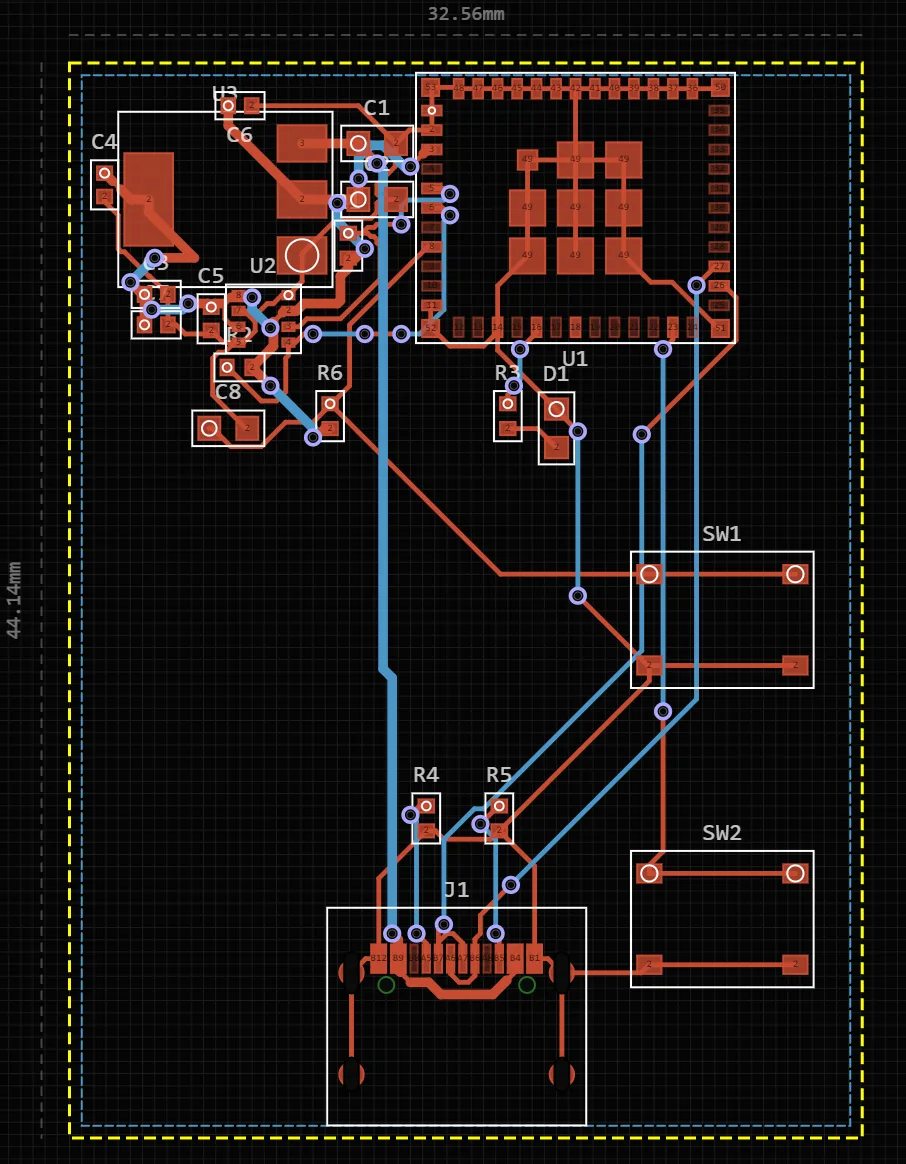
- The schematic
- Place symbols, wire them and name nets. The schematic drives the board: a connection that is not in the schematic does not appear in the copper. Schematics export as native KiCad .kicad_sch files and KiCad schematics import.
- The board layout
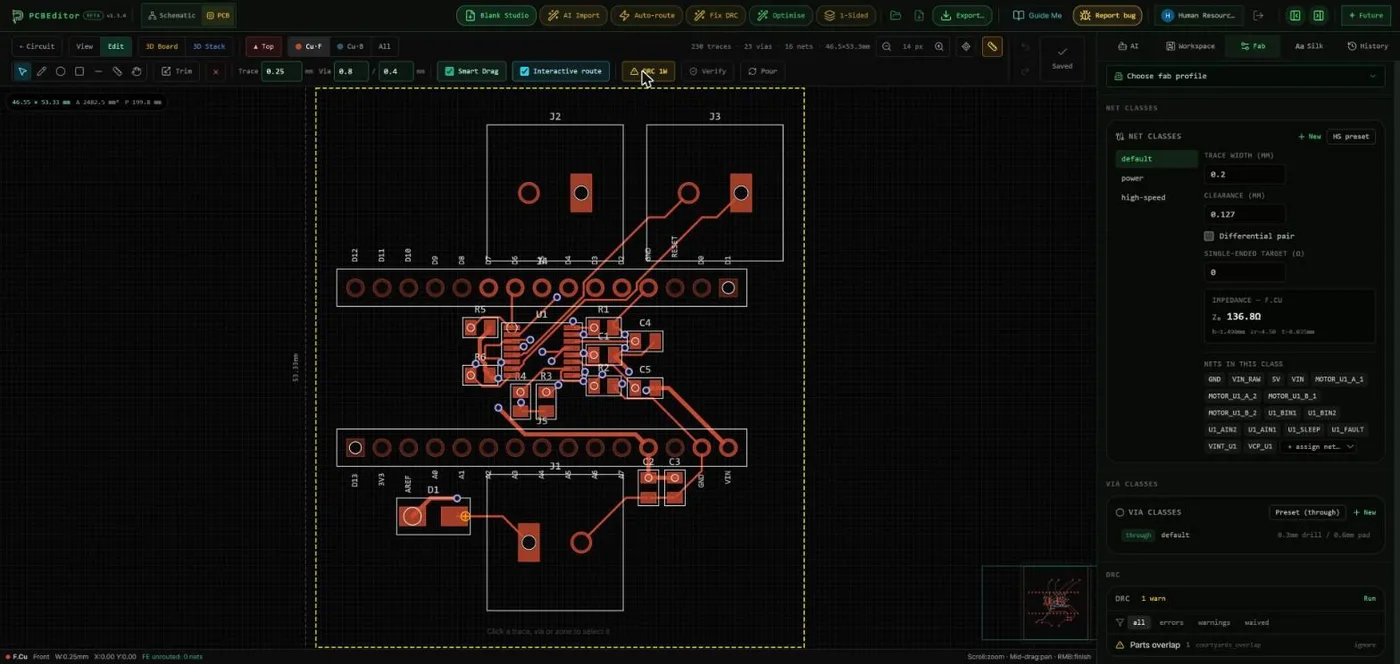
- Move and rotate parts, draw and cut traces, place vias, change layers and adjust the outline. Two to sixteen copper layers, with a stackup that carries per-layer dielectric constants, so impedance figures describe the board you are building.
- Routing, by hand or automatically
- Route a net yourself, or let the deterministic autorouter route the board across every layer and list any net it could not finish by name. Targeted changes (move this part, reroute that section) can also be asked for in plain English.
- Footprints for parts that are not in the library
- Component Studio builds a symbol and footprint from evidence you give it: a datasheet, a drawing or a manufacturer URL. AI reads the package dimensions, deterministic code draws the pads, and you compare candidates, map every pin exactly once and inspect the part in 3D before approving it as a private revision.
- Checks while you edit
- The design-rule check runs against the rules of the board you are building. Separately, an electrical audit of the final netlist looks for mistakes that pass a clean DRC: shorted connector contacts, enable pins on the wrong polarity, USB back-feed. Review my design runs both and explains every finding in plain words.
- 2D layers and the assembled board in 3D
- Inspect copper layer by layer, or view the assembled board with component models to catch a connector facing the wrong way before you order.
- Undo and versions
- Edits can be undone, and boards are stored as versions at real editing boundaries, so an unwanted change is reverted rather than rebuilt.
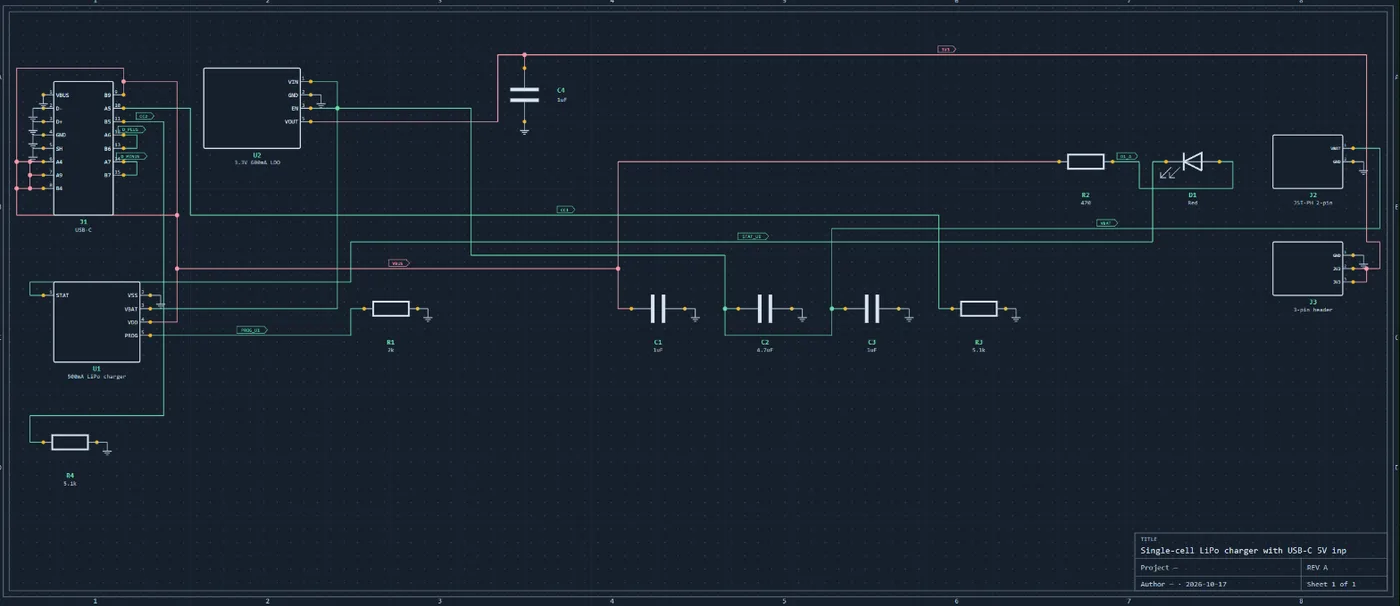
Files in and out
Out: a Gerber zip with drill files, a JLCPCB-formatted package (Gerbers, BOM and component placement), a KiCad 9 project (.kicad_pcb and .kicad_pro), the schematic as a KiCad .kicad_sch, and a BOM. The board’s fab bundle also offers IPC-2581 and ODB++ for fabs that prefer them, an IPC-D-356 netlist for electrical test, assembly and fabrication drawings as PDF, and a STEP model. In: KiCad boards and schematics, and Gerber archives. Nothing is locked to the browser: if a design outgrows it, continue in KiCad.
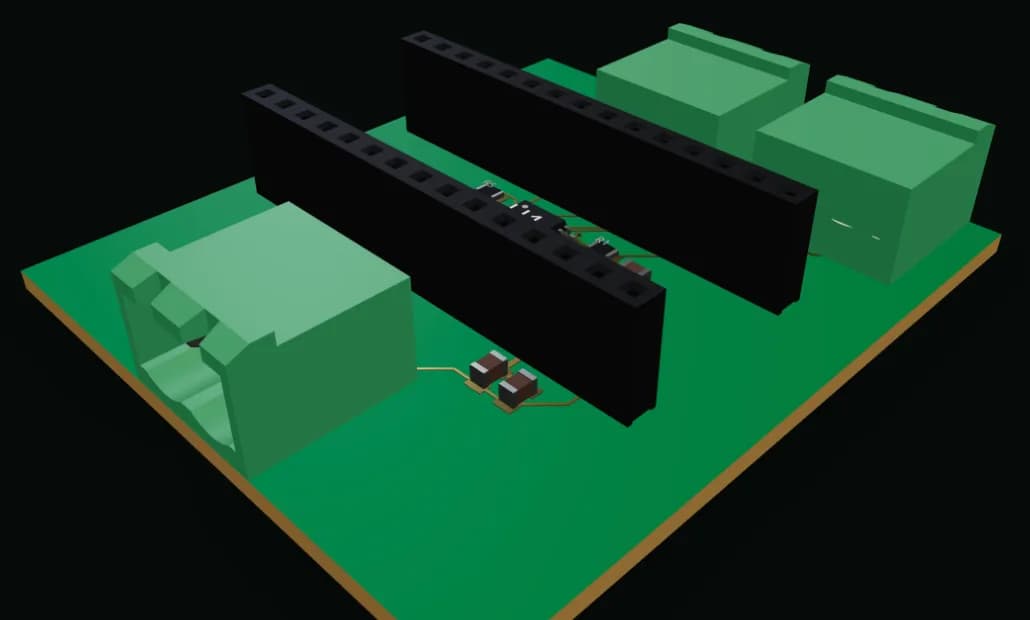
Before ordering, open the Gerber zip in a viewer and check the layers, outline and holes; the Gerber checklist lists what to look at.
A KiCad PCB editor online
KiCad is a desktop application, so “KiCad PCB editor online” usually means “open my KiCad board in a browser”. PCBEditor imports .kicad_pcb boards and .kicad_sch schematics, lets you edit them in the browser, and exports a KiCad 9 project again. Use it to make a change on a machine without KiCad, to share a board with someone who does not have it installed, or to start in the browser and finish in KiCad.
Check the design before you order
A clean design-rule check proves the copper can be made, not that the circuit works. Review my design runs the design-rule check and the electrical audit together and explains each finding: what is wrong, why it matters and what to do, from the checkers rather than from a model. How that works, and what it still cannot catch, is in AI PCB review.
Against a desktop editor
KiCad and Altium are more capable editors, and for a complex production board with an experienced operator they remain the right tools. Both assume you have already learned them: KiCad is a desktop install with a genuine learning curve, and Altium is priced per seat per year.
This editor is for the case where you want a working board today without setting up a toolchain first, on any machine with a browser, including a Chromebook or a tablet. Files export in standard formats, so nothing traps you here.
Do you need an account?
Not to open the editor. A free account is needed for AI circuit generation, AI import and simulation, and to keep your designs and their version history across devices. The calculation tools and the Gerber viewer need no account at all.
Common questions
- Is there a free online PCB editor?
- Yes. PCBEditor is a free PCB editor that runs in the browser: schematic, board layout, routing, design-rule check, 3D view and export to Gerber, IPC-2581, ODB++ or KiCad, with no download and no export paywall.
- Can I edit a KiCad board in an online PCB editor?
- In PCBEditor, yes: it imports native KiCad .kicad_pcb boards and .kicad_sch schematics, and exports KiCad 9 projects, so a design can move between the browser and KiCad in both directions.
- How do I make a footprint for a part that is not in the library?
- In PCBEditor, Component Studio builds the symbol and footprint from a datasheet, a drawing or a manufacturer URL: AI reads the package dimensions, deterministic code draws the pads, and you check the pin map and the 3D view before approving it.
- Is there a KiCad PCB editor online?
- KiCad itself is a desktop application. PCBEditor opens KiCad .kicad_pcb boards and .kicad_sch schematics in the browser and exports KiCad 9 projects, so you can make changes online and continue in KiCad.
- Can I edit a Gerber file online?
- Gerbers are the output, not the design, so changes belong in the board. Open the Gerber zip in the free Gerber viewer to check layers, outline and holes; to change the board, edit it in the PCB editor and export the Gerbers again.
- Can I check my PCB design online?
- Yes. Review my design runs the design-rule and electrical checks on the board in the editor and explains each finding: what is wrong, why it matters and what to do. It changes nothing until you ask for a fix.
- Does the online PCB editor work offline?
- No. It runs in the browser and processes designs on its servers, so it needs an internet connection. Exported Gerber and KiCad files are yours to keep and use offline.
- Do I need an account to use the PCB editor?
- The editor opens without one. A free account is needed for AI circuit generation, AI import and simulation, and to keep your designs across devices.
Open the editor
Start from a blank board, import a KiCad design, or describe the board and let AI draft it.
Open the PCB editor→